
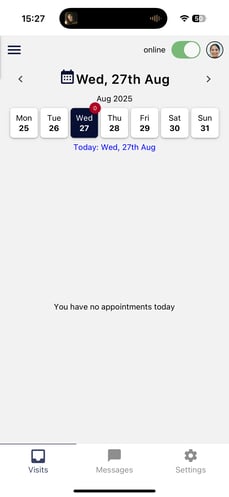
1. Click the Messages icon in the bottom navigation bar.
2. You will be able to view your Inbox, Sent, and Archived messages.
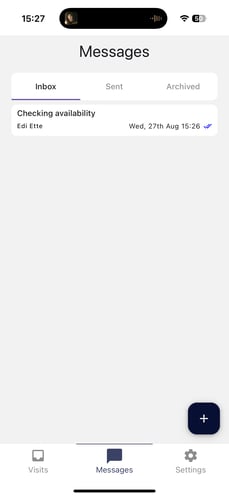
3. To compose a new message, select the '+' icon and choose the message type—Internal, SMS, or Email. Select the intended recipient, enter the subject, and compose your message. Click Send to deliver your message.