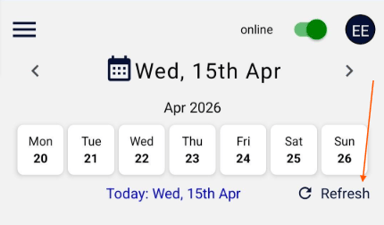
For visit information:
Open the mobile app and tap the refresh button located in the centre-right of the screen. Once selected, wait for the buffer to complete, then return to the visit. This is also known as a “Little reload”.
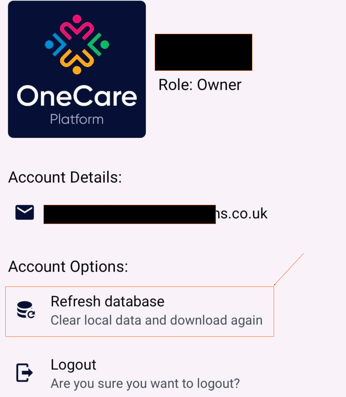
For Settings and Policies and Procedures :
Go to your User Profile (the circle at the top right), then tap the “Refresh database” button and wait to get the confirmation message: "local data has been cleared successfully" . This will sync all settings and display any new policies. This is also known as a “Big reload”.